
진행 중인 Next.js 프로젝트에서 AWS S3 버킷에 이미지를 업로드하는 기능을 구현할 일이 있었다.
Next.js에서 multer를 사용하면서 발생했던 몇 가지 문제점과 해결 방안을 공유하고자 글을 작성하게 되었다.
🧩 사전 준비
- S3 버킷 생성 및 ACL 권한 설정
- IAM 관리자 권한 생성
🎨 파일 업로드를 위한 UI 제작
피그마 뒤적거려서 옛날에 만든 프로필 카드를 끄집어내왔다.
나머지는 다 생략하고 이 프로필 카드에서 이미지 업로드 하는 부분만 만들어보자!
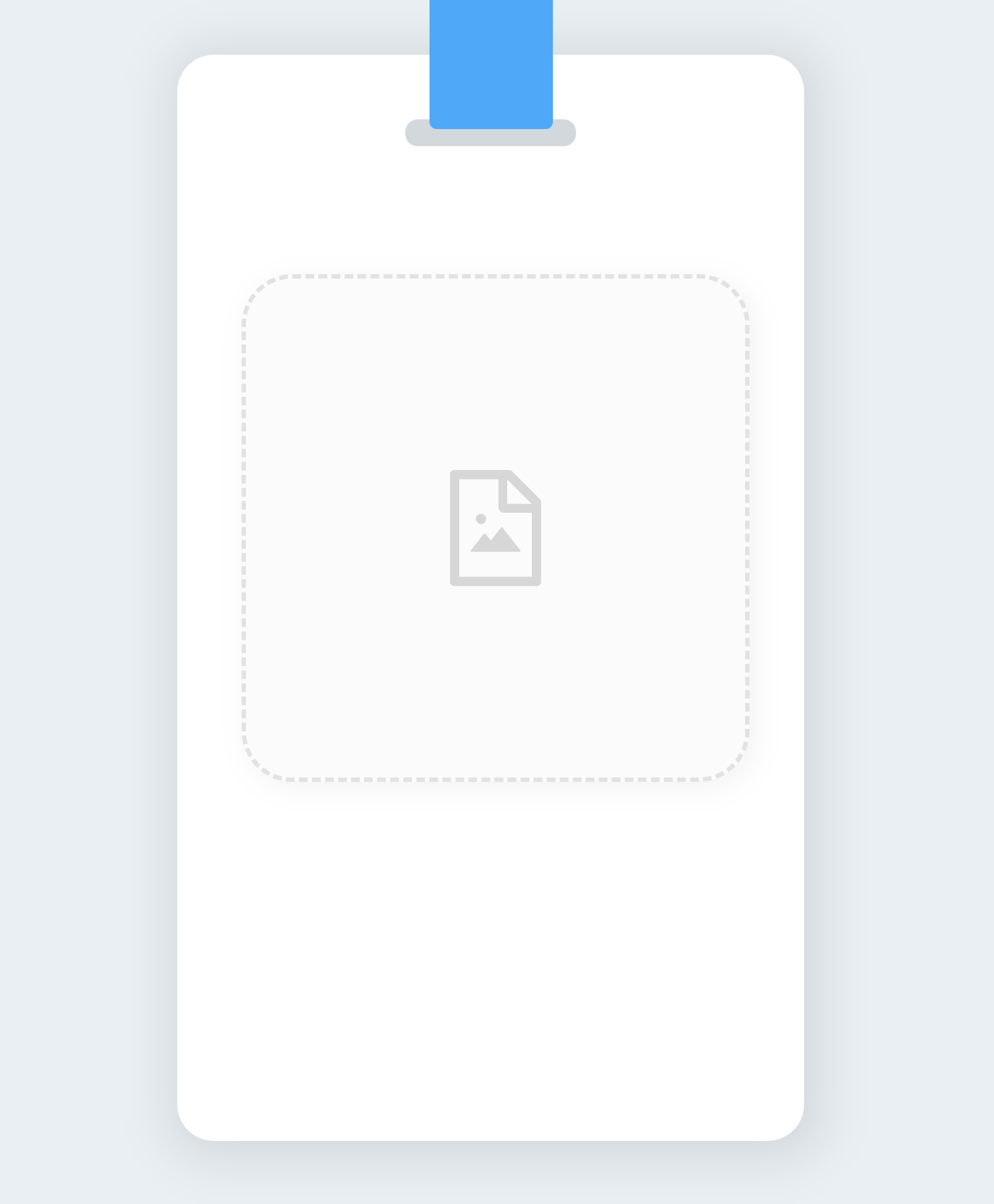
카드 중앙의 버튼 영역을 클릭할 경우 이미지를 업로드할 수 있게 만들어볼 것이다.
import { useState, useRef } from 'react';
import { FileImageOutlined } from '@ant-design/icons';
import styles from '../styles/Card.module.scss';
import axios from 'axios';

const Card = () => {
  const [imgSrc, setImgSrc] = useState('');
  const inputRef = useRef();

  const onUploadImage = async (file) => {
    const formData = new FormData();
    formData.append('file', file);
    try {
      const res = await axios.post('/api/image', formData);
      setImgSrc(res.data.imgSrc);
    } catch (err) {
      alert(err.message);
    }
  };

  return (
    <div className={styles.container}>
      <div className={styles.strap} />
      {!imgSrc ? (
        <button
          className={styles.upload}
          onClick={() => inputRef.current.click()}
        >
          <FileImageOutlined />
          <input
            type="file"
            accept=".jpg,.jpeg,.png,.svg"
            ref={inputRef}
            onChange={(e) => onUploadImage(e.target.files[0])}
          />
        </button>
      ) : (
        <div
          className={styles.profile}
          style={{ backgroundImage: `url(${imgSrc})` }}
        />
      )}
    </div>
  );
};

export default Card;
🏞 middleware 작성
/api 폴더 내부에서 next-connect 모듈을 이용해 multer 업로드를 처리하려고 했으나 multer에서 이미지 처리 이후 req.file 정보를 업데이트해주는 부분이 잘 동작하지 않는 것 같아 runMiddleware.js 라는 유틸 파일을 추가로 작성했다.
// utils/runMiddleware.js
const runMiddleware = (req, res, fn) => {
  return new Promise((resolve, reject) => {
    fn(req, res, (result) => {
      if (result instanceof Error) {
        return reject(result);
      }
      return resolve(result);
    });
  });
};

export default runMiddleware;
그런 다음 미들웨어로 사용해줄 multer 코드를 작성해준다.
// utils/multer.js
import multer from 'multer';
import multerS3 from 'multer-s3';
import AWS from 'aws-sdk';

const s3 = new AWS.S3({
  accessKeyId: process.env.AWS_ACCESS_KEY_ID,
  secretAccessKey: process.env.AWS_SECRET_ACCESS_KEY,
  region: process.env.AWS_BUCKET_REGION,
});

const multerUpload = function upload(destPath) {
  const storage = multerS3({
    s3,
    bucket: process.env.AWS_BUCKET_NAME,
    contentType: multerS3.AUTO_CONTENT_TYPE,
    acl: 'public-read',
    key(_req, file, cb) {
      cb(null, `${destPath}/${Date.now()}_${file.originalname}`);
    },
  });
  return multer({ storage }).single('file');
};

export default multerUpload;
한 번에 파일 하나씩만 업로드할 것이기 때문에 단일 파일을 업로드하는 함수를 리턴해주고 api 부분에서 불러서 쓰도록 했다.
💾 API 작성
// api/image.js
import runMiddleware from '../../utils/runMiddleware';
import multerUpload from '../../utils/multer';

export const config = {
  api: {
    bodyParser: false,
  },
};

const handler = async (req, res) => {
  const { method } = req;
  if (method === 'POST') {
    try {
      await runMiddleware(req, res, multerUpload('profiles'));
      return res.status(200).json({ imgSrc: req.file?.location });
    } catch (err) {
      return res.status(500).json({ message: err.message });
    }
  } else {
    return res.status(405).end();
  }
};

export default handler;
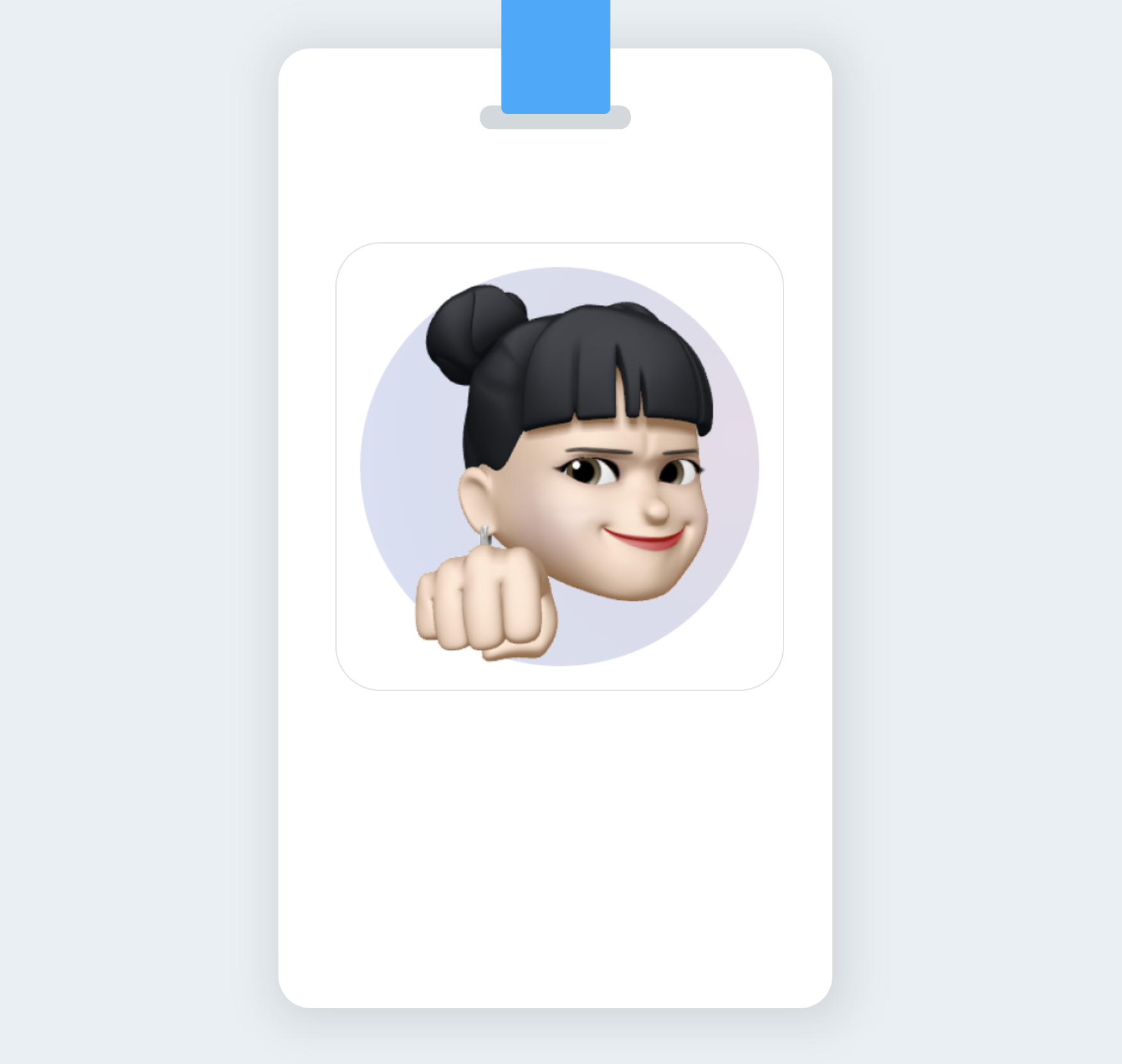
카드 내의 input에 이미지 파일 업로드 시 위 api가 호출되어 AWS S3 버킷에 이미지를 업로드하고, 업로드 된 이미지에 접근할 수 있는 경로를 리턴한다.
해당 경로를 리턴 받은 컴포넌트 내에서는 해당 경로 string을 imgSrc state에 업데이트하고, imgSrc가 업데이트됨에 따라 조건부 렌더링으로 화면에 imgSrc에 해당하는 이미지를 보여주게 된다.
🚫 에러 해결하기
Unexpected end of form 에러
공식문서에 따르면 Next.js의 모든 API 라우트는 디폴트 설정값을 변경하기 위해 config 변수를 export 할 수 있다고 한다.
multer 사용 시 기본 설정 된 bodyParser 옵션이 multer와 맞지 않아 오류가 발생하는 듯하다.
(HTTP 관련 내용도 더 알아봐야 할 것 같아서 추후에 개념 공부를 더 하는 것으로 ... !)
export const config ~ 부분을 추가해서 bodyParser 관련 기본 설정을 off 해주면 해당 에러를 해결할 수 있다.
this.client.send is not a function 에러
aws-sdk 모듈과 multer-s3 모듈의 호환성 문제로 3.x 대였던 multer-s3 버전을 2.x 대로 맞춰주어 해결할 수 있었다.
👩💻 소스코드
GitHub - 9ummy/meme-profile
Contribute to 9ummy/meme-profile development by creating an account on GitHub.
github.com
📚 참고자료
에러 해결 관련
https://velog.io/@wngud4950/AWS-multer-s3-upload-%EC%98%A4%EB%A5%98
개념 관련
https://github.com/expressjs/multer/blob/master/doc/README-ko.md
https://velog.io/@shin6403/HTTP-multipartform-data-%EB%9E%80
'웹 개발 > React · Next.js' 카테고리의 다른 글
| [Next.js] 국제화(i18n) 자동화 시스템 구축하기 (0) | 2023.04.30 |
|---|---|
| [React] Web API를 활용한 영상 녹화 구현하기 (0) | 2023.03.31 |
| [번역] useMemo와 useCallback 제대로 알고 사용하기 (0) | 2023.02.28 |
| [React] 전역상태관리 라이브러리 Recoil (0) | 2023.01.30 |
| [Next.js] "window is not defined" 에러 해결 (0) | 2022.05.14 |